
Reports to Manage Your Business in Werkrb Books
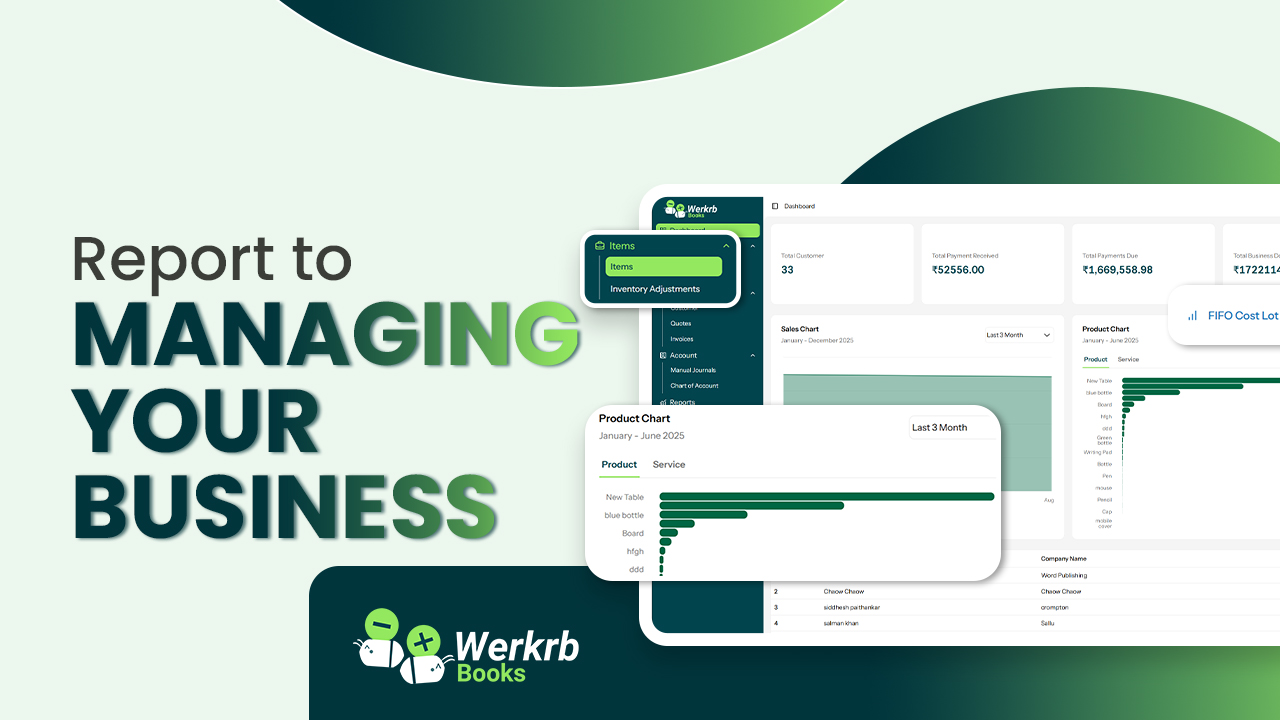
Running a successful business is not just about selling products or services—it’s about keeping track of your performance, understanding your numbers, and making informed decisions. That’s where reports in Werkrb Books come in.
With powerful, real-time reporting features, Werkrb Books gives you a clear picture of your finances, sales, expenses, and customer activities. These insights help you analyze trends, plan ahead, and grow your business with confidence.
Why Reports Matter in Business
Reports are more than just numbers on a page. They help you:
-
Understand how money flows in and out of your business.
-
Identify your most profitable products, services, or customers.
-
Stay compliant with tax and regulatory requirements.
-
Spot problem areas before they become serious.
-
Make smarter decisions based on accurate data.
Key Reports in Werkrb Books
Here are some of the most important reports you can generate to manage your business effectively:
1. Sales Reports
-
Sales by Customer – See which customers bring in the most revenue.
-
Sales by Item – Identify your top-selling products or services.
-
Unpaid Invoices – Track overdue payments and follow up faster.
2. Expense Reports
-
Expense by Category – Understand where your money is going (e.g., rent, salaries, supplies).
-
Vendor Reports – See how much you spend with each supplier.
3. Profit & Loss Statement
-
A snapshot of your business performance—your income, expenses, and net profit over a specific period.
4. Balance Sheet
-
Shows what your business owns (assets) and owes (liabilities), along with equity. It’s essential for long-term planning and financial health.
5. Cash Flow Statement
-
Monitors the movement of money in and out of your business. It helps you ensure you have enough funds to cover day-to-day operations.
6. Tax Reports
-
Stay compliant by generating GST/VAT/Sales Tax reports. Easily file your returns without stress.
7. Customer & Payment Reports
-
See who your best customers are, how quickly they pay, and track outstanding balances.
How to Access Reports in Werkrb Books
-
Log in to books.werkrb.com.
-
From the left-hand menu, go to Reports.
-
Browse reports under categories like Sales, Purchases, Inventory, Taxes, Banking, and more.
-
Apply filters (date range, customer, product, etc.) to customize the report.
-
Export reports in PDF, Excel, or CSV format for sharing or record-keeping.
Using Reports to Grow Your Business
-
Plan smarter – Use sales trends to forecast future demand.
-
Cut costs – Analyze expense reports to find areas where you can save.
-
Improve cash flow – Stay on top of overdue invoices with receivables reports.
-
Make data-driven decisions – Instead of guessing, rely on accurate numbers.